Slack
Turn Slack messages into tasks, and let Fokus quiet Slack down while you're heads-down.
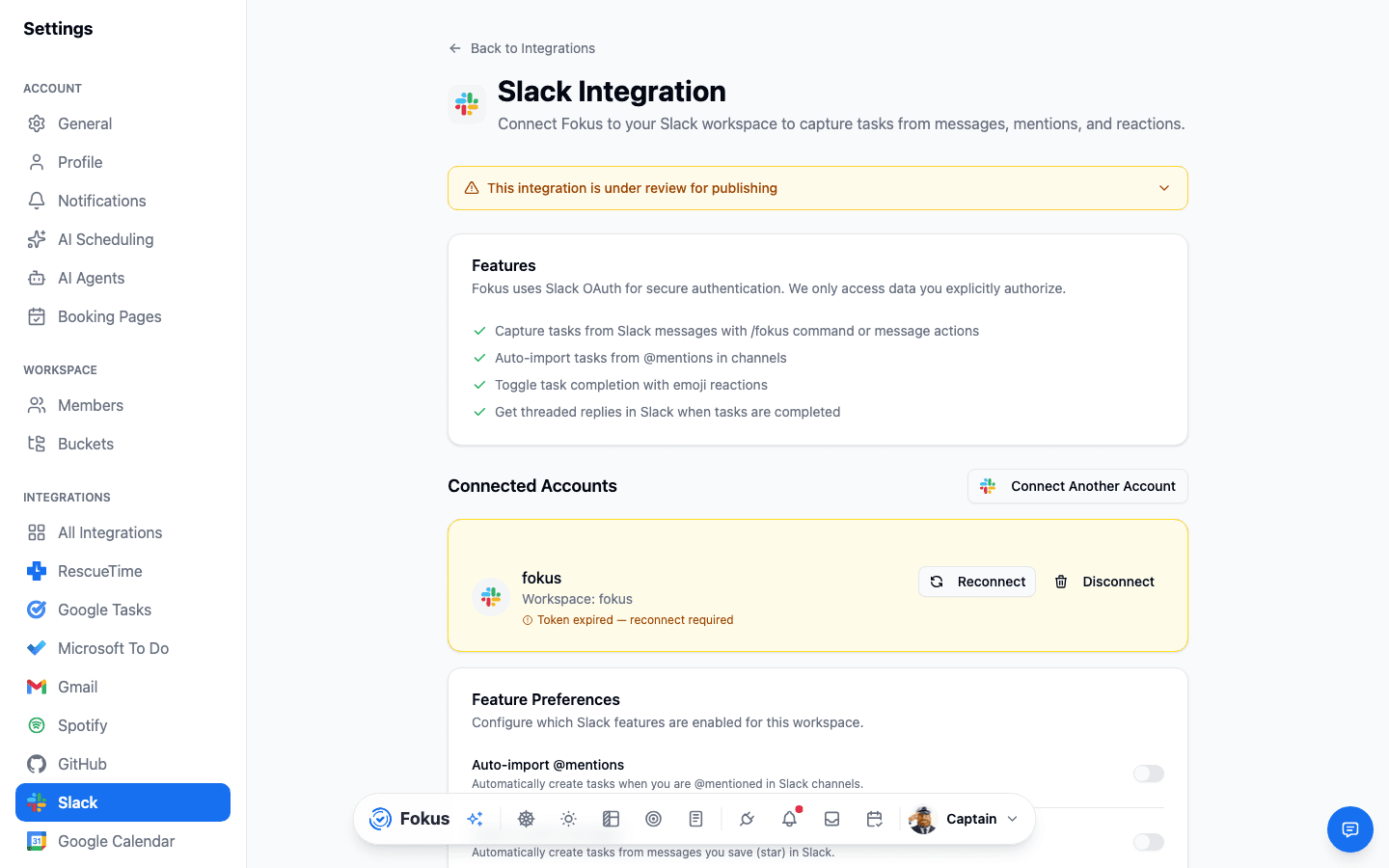
Slack becomes a task inbox: capture a message with a command or a mention, get a reply when it's done, and let Fokus set your status to Do Not Disturb while you're deep in focus.
What you get
- Capture from anywhere — the
/fokuscommand, message actions, or an @mention all create a task. - Reactions that mean something — react ✅ to complete a task; Fokus reacts back as it moves from created to scheduled to completed.
- Threaded replies — get pinged in-thread when a task tied to a message is completed.
- Deep Fokus & DND — entering Immersive or Deep Fokus mode sets your Slack status to Do Not Disturb automatically.
- Multiple workspaces — connect more than one with Connect Another Account.
Setup
Connect
Settings → All Integrations → Slack → Connect, then authorize your workspace.
Choose your triggers
Turn on auto-import for @mentions and/or saved (starred) messages — optionally limit either to specific channels.
Tune the feedback loop
Turn on reaction-based completion, lifecycle reactions, and threaded completion replies, to taste.
No channel filter needed
Leave the channel filter empty and Fokus watches every channel the bot's been added to — narrow it down only if you want to be selective.
How is this guide?