RescueTime
See your actual computer usage as color-coded blocks right next to your Fokus plan.
RescueTime quietly tracks what you're actually doing on your computer, then shows it right alongside your plan — so you can see where the day really went, not just where you meant it to go.
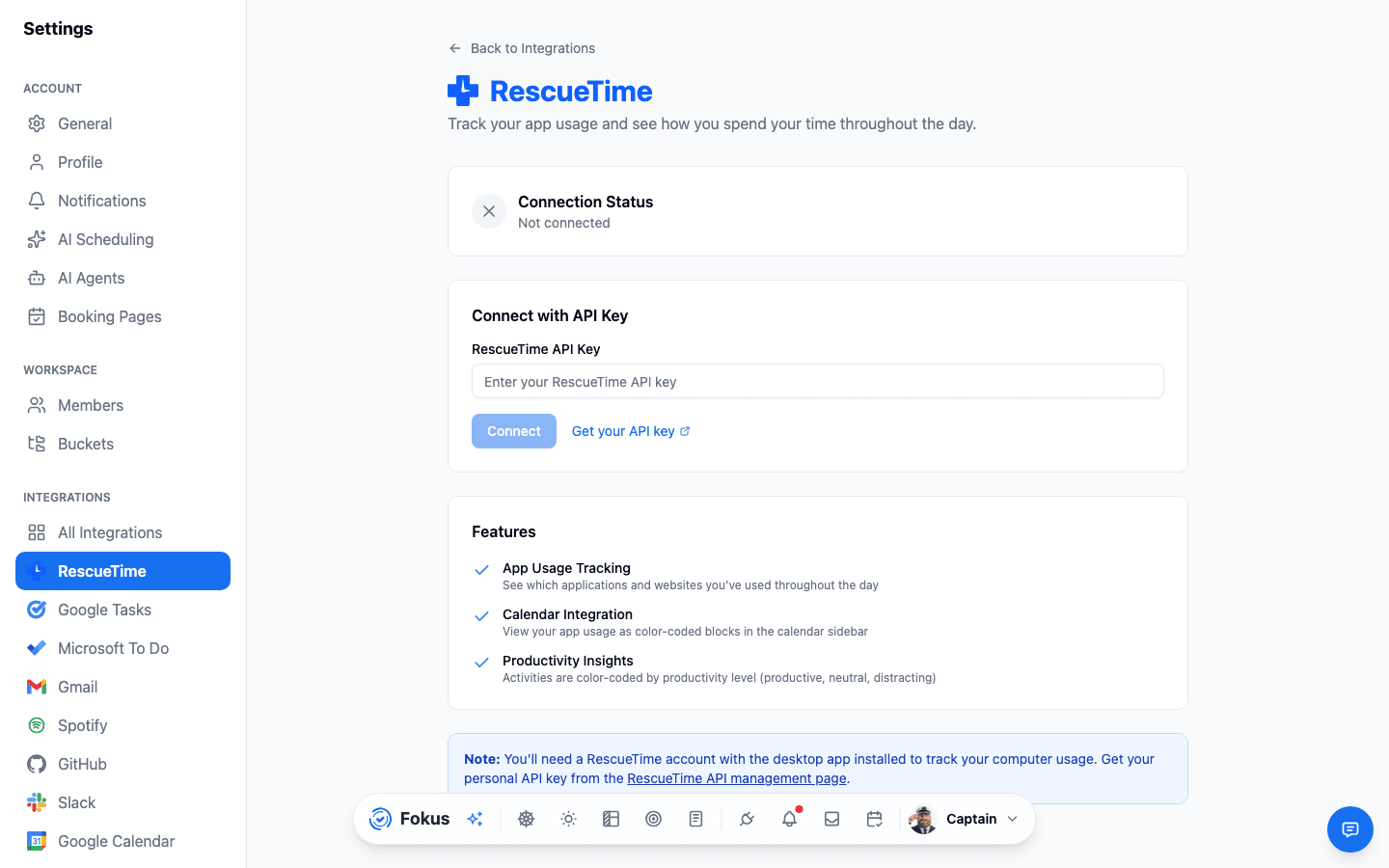
What you get
- Automatic usage tracking — RescueTime logs the apps and sites you use throughout the day.
- Shows up on your calendar — as color-coded blocks next to your planned tasks and events, and feeds into your Analytics over time.
- Productivity levels, color-coded — from Very Productive to Very Distracting, at a glance.
- Recolor it your way — pick your own color for each productivity level.
Setup
Connect
Settings → All Integrations → RescueTime → Connect, then paste your personal API key (from the RescueTime API management page).
Keep RescueTime running
The desktop app needs to stay installed and running in the background — that's what actually generates the tracking data.
Check your calendar
Your real computer usage now sits right next to what you planned, color-coded by productivity level.
The API key alone isn't enough
You still need the RescueTime desktop app installed and running — the API key only connects Fokus to your account, it doesn't track anything by itself.
How is this guide?