Zoom
Attach a real Zoom meeting, link and passcode included, to your events and bookings automatically.
Connect Zoom once, and Fokus spins up a real meeting — link and passcode included — the moment you add video conferencing to an event or someone books time with you.
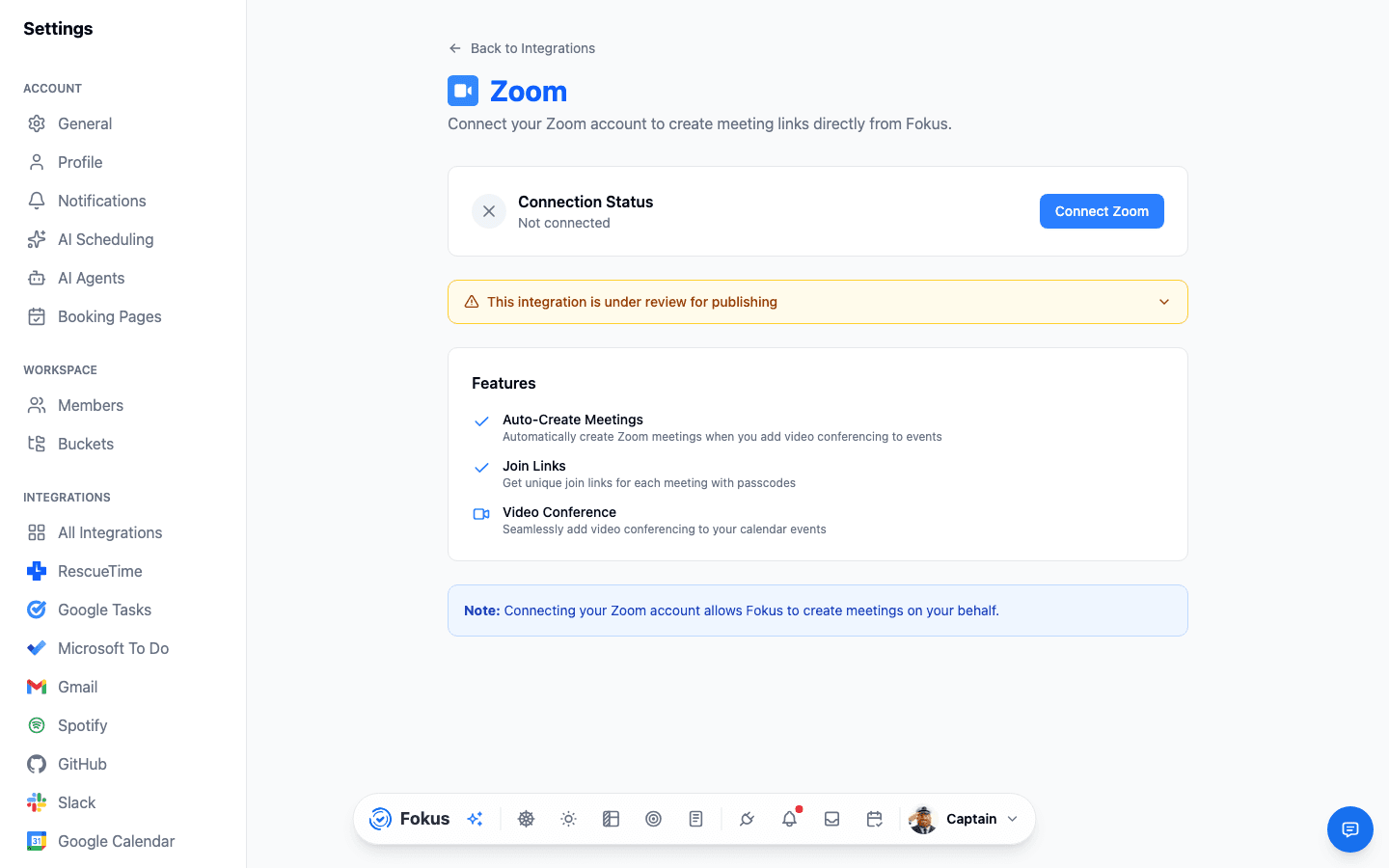
What you get
- Auto-created Zoom meetings — add video conferencing to an event and Fokus creates the meeting for you.
- Unique join links with passcodes — every meeting gets its own, kept secure by default.
- Booking pages get Zoom links too — guests who book time with you through a booking page get a Zoom link automatically.
Setup
Connect
Settings → All Integrations → Zoom → Connect Zoom, then authorize your Zoom account.
Add video conferencing to an event
When creating or editing a calendar event, turn on video conferencing — Fokus creates the Zoom meeting.
Share the link
Send it from the event, or let a booking page attach it automatically for guests.
Works for bookings too
Once connected, every meeting booked through your Fokus booking pages gets a real Zoom link and passcode attached — no manual setup per booking.
How is this guide?