Toggl Track
Mirror the Fokus timer into Toggl Track automatically, and map buckets to Toggl projects.
Toggl Track mirrors the Fokus timer automatically and maps your buckets to Toggl projects, so time tracking stops being a second thing to remember — and the real numbers still show up in your Analytics.
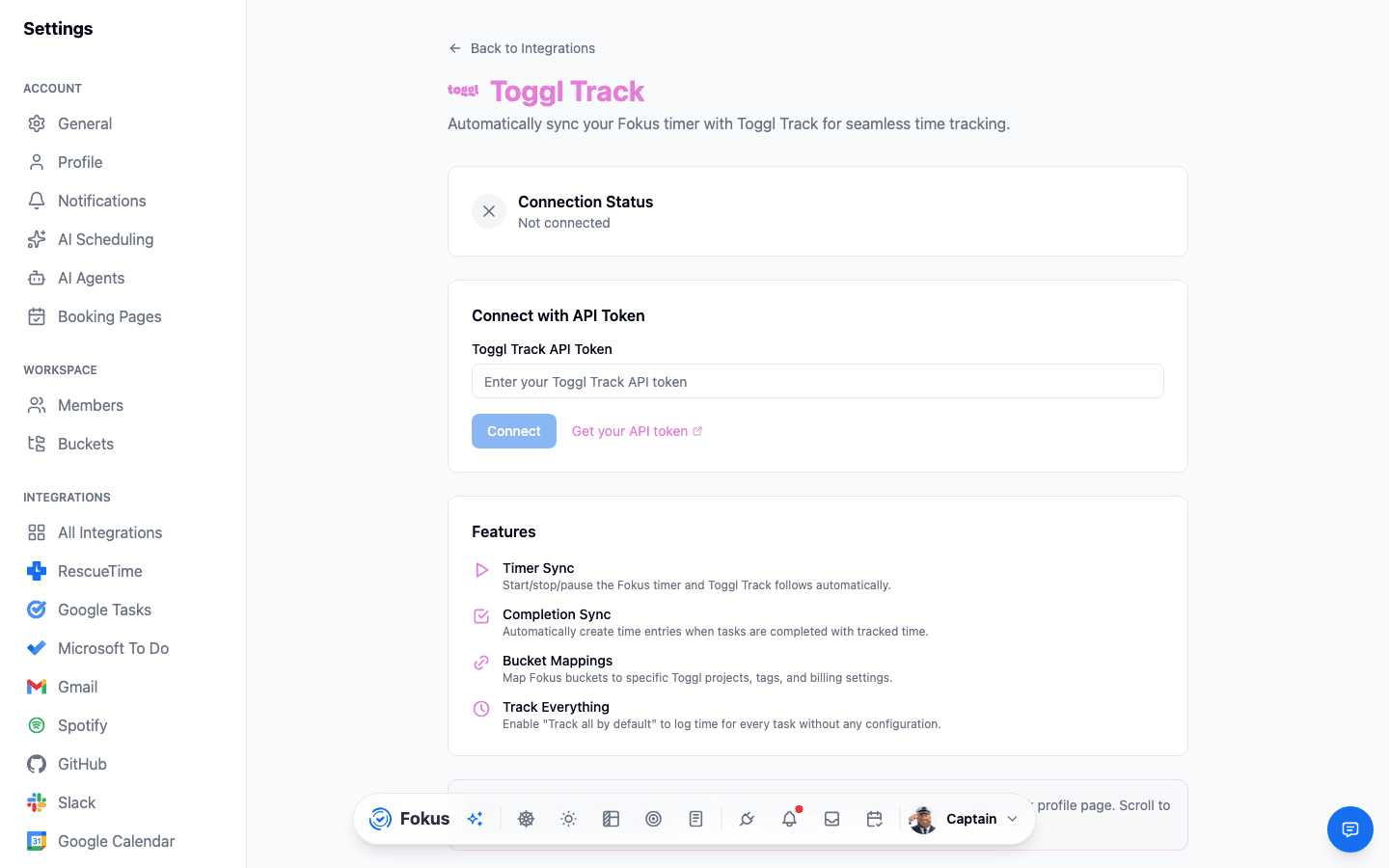
What you get
- Timer sync — start, pause, or stop the Fokus timer and Toggl Track follows.
- Completion sync — finishing a tracked task creates a Toggl time entry on its own.
- Bucket mappings — point specific buckets at specific Toggl projects, tags, and billing settings.
- Track everything — or turn on Track all by default and skip per-bucket setup entirely.
Setup
Connect
Settings → All Integrations → Toggl Track → Connect, then paste your personal API token (grab it from your Toggl Track profile page).
Map your buckets
Pair buckets with the Toggl projects, tags, or billing settings they belong to — or just turn on Track all by default.
Just work
Start a Fokus timer like normal; the matching Toggl entry shows up on its own.
Billable time needs Premium
Default billable only applies to Premium Toggl workspaces — regular workspaces still track and map time, just without the billable flag.
How is this guide?