Analytics
Completion rates, category balance, task sources, and time accuracy — your productivity, charted.
Analytics is the honest mirror: not what you planned, but what actually happened. It's the fourth view in the planner family (Alt+A, or the chart icon in any planner header).
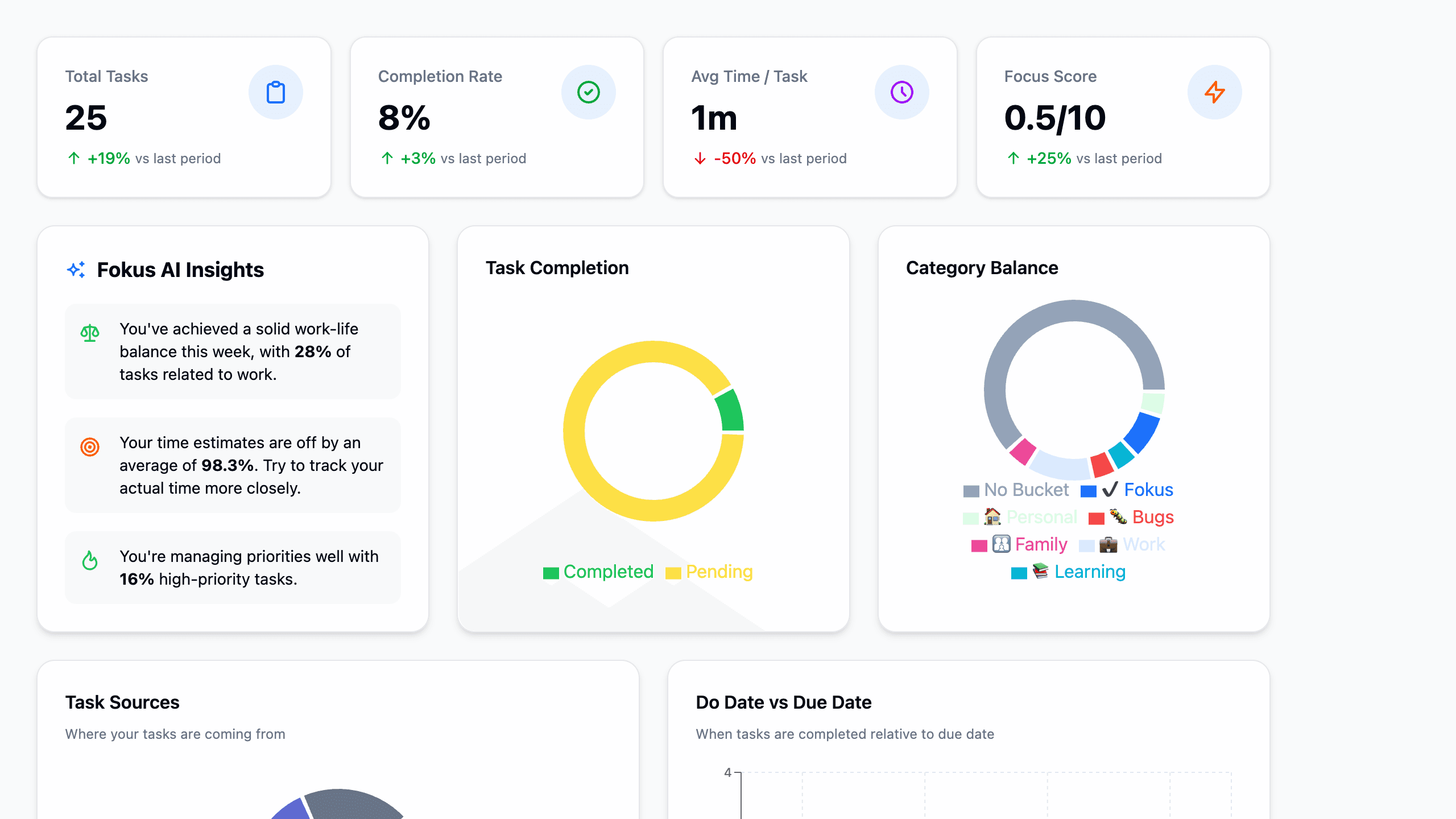
The top row
Four numbers summarize the selected period:
- Total Tasks and Completion Rate — volume and follow-through, with trend arrows against the previous period.
- Avg Time / Task — how long things really take (fed by the focus timer).
- Focus Score — a 0–10 blend of completion, focus time, and consistency. Watch the trend, not the absolute number.
The charts
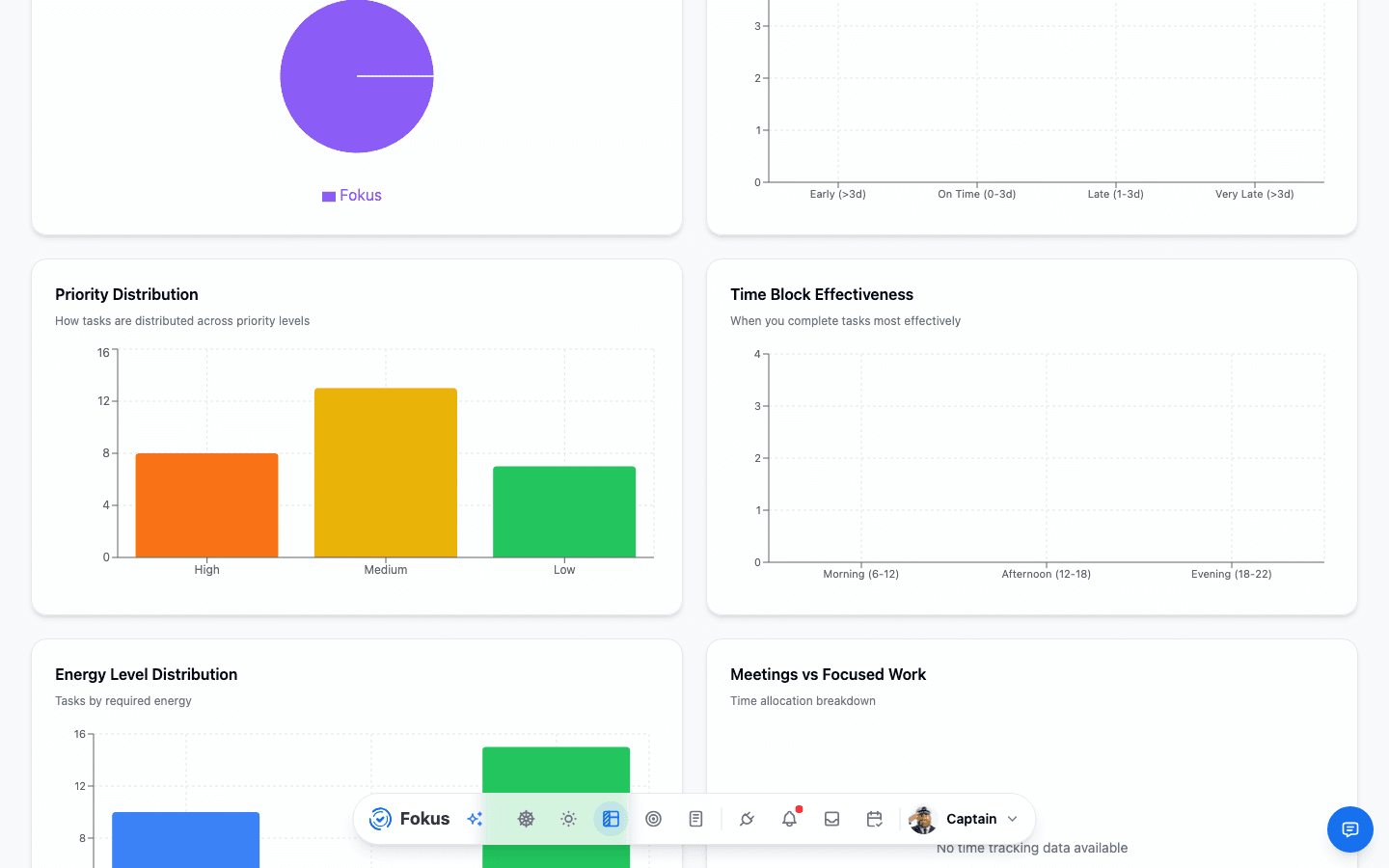
- Task Completion — completed vs. pending for the period.
- Category Balance — the donut of where your effort goes, bucket by bucket. The fastest way to notice work eating your personal time (or a side project eating everything).
- Task Sources — where tasks come from: created in Fokus, or synced from GitHub, Todoist, Gmail, and friends.
- Do Date vs Due Date — when tasks get done relative to their deadlines: early, on time, late, very late. The procrastination chart, lovingly.
- Energy and time patterns — how your extensive/moderate/light mix and estimate accuracy are trending.
Captain Fokus Insights
The insights card turns the charts into sentences — "68% of tasks were work-related this week", "your time estimation is quite accurate" — the same intelligence that feeds your End-of-Day Review.
It also watches for patterns the charts alone won't shout about:
- Peak hours vs. reality — when most of your tasks actually get completed in a different block than your declared peak hours, the card says so, with a one-tap Add as peak hours that updates your scheduling preferences and re-plans on the spot.
- Focus score trend — a meaningful rise or drop against the previous period.
- Deadline slippage — what share of completed tasks landed after their due date.
Give it two weeks
Analytics get interesting once there's history. Complete tasks, run timers, and by the second week the trends — especially time accuracy — start telling you things you didn't know about your own weeks.
How is this guide?