AI
Captain Fokus and the agents working behind the scenes — chat, scheduling, enrichment, goal breakdown, travel, and the optional add-on agents.
AI in Fokus isn't one chatbot bolted onto the side — it's a small crew, each member with a job.
The core crew (included)
- Captain Fokus — the conversational chief of the crew. Ask questions, give orders ("move my PR review to Monday morning"), or think out loud; it can actually do things in your workspace — and it commands the rest of the crew: run and delegate their tasks, read their results, search the web, and reach your connected apps, all from one chat.
- Smart Scheduling — the planner. Places your tasks into real calendar time around meetings, energy, and deadlines.
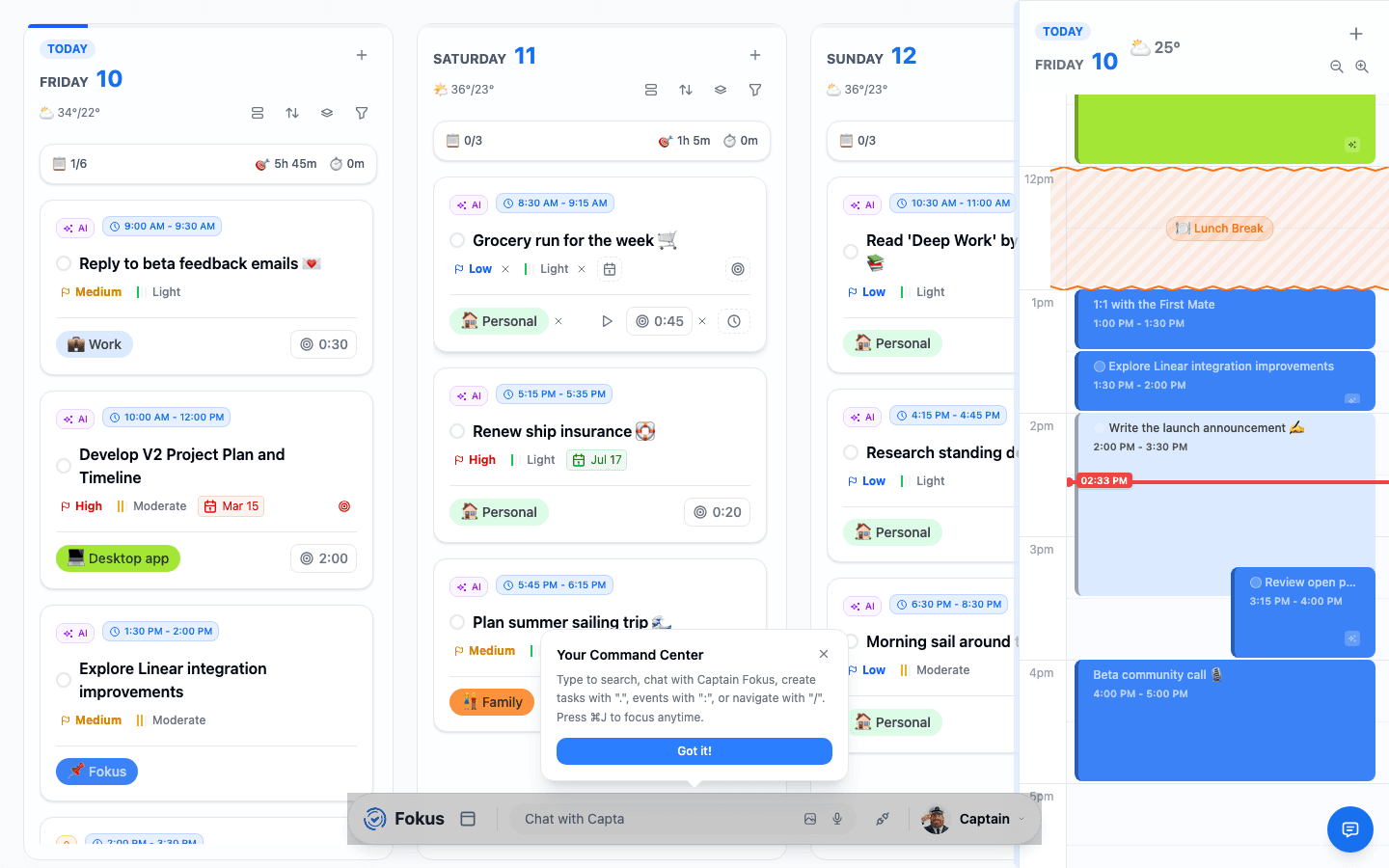
- Task Enrichment Agent (TEA) — the quartermaster. Quietly fills in missing priorities, estimates, and buckets on new tasks (that's the little AI badge on cards).
- Objective Decomposition Agent (ODA) — the strategist. Breaks a goal into a reviewable list of proposed tasks.
- ETA Scheduler Agent (ESA) — the navigator. Watches live traffic, blocks your travel time, and tells you when to leave.
They also team up on your Morning Briefing and End-of-Day Review — generated reports that land in the Captain's Log — and on the Attention Feed, the Captain's command center of actionable cards for the things you'd otherwise miss.
The crew at work
Three pieces turn the agents into a working crew:
- Crew Tasks — routine jobs the crew runs on triggers: briefings, digests, watchlists, reviews. Pick from the Task Catalog of 35 ready-made tasks or define your own.
- Connectors — one-click reach into 45 apps through their official MCP servers. Crew tasks read from them unattended; in chat, Captain Fokus can also act on them — every write individually approved by you.
- AI Profiling — what the crew learns about you and your contacts to make all of it personal, with you in control of every fact.
The add-on agents (paid)
Optional agents extend the crew, each an add-on per workspace, billed separately from your plan. During the public beta they're free, and there's no switch for add-ons on your side: each is either already on for your workspace or, if the app says it isn't enabled for this workspace, tell us which add-on you're missing through Support. Once billing is on, you turn them on in Settings → Billing — see During the public beta.
- Meeting Scribe Agent (MSA) — records meetings bot-free and hands back a note with the summary, decisions, and action items.
- Email Assistant Agent (EAA) — triages your inbox into smart categories, drafts replies, and turns emails into tasks.
- Voice Agent — call Captain Fokus and run your day out loud.
- Booking Pages — public scheduling links synced with your real availability.
- Research Agent — scheduled research runs (competitor intel, job posts, deal signals) delivered as notes. Also doubles your daily Captain Fokus token budget.
The AI command bar
The sparkle button next to the Fokus logo (or Cmd/Ctrl+↓) swaps the dock for a natural-language command bar — type where you want to go or what you want done, and Fokus handles the navigation and actions:
Press Cmd/Ctrl+↓ again to switch back to the classic dock — it's a style choice, not a commitment.
Bringing your own agent
The crew above lives inside Fokus. If you'd rather drive your workspace from Claude, Cursor, OpenClaw, or Hermes, Fokus ships an MCP server with 44 tools — see MCP & AI Agents.
Usage and control
- Every AI feature respects a daily token budget — the meter at the top of the chat shows how much you've used. Pro includes a generous daily allowance, and the Research Agent add-on doubles the Captain Fokus half of it. This is a daily spend meter, separate from how full any single conversation is.
- Agent behavior is configurable per agent in Settings → AI Agents Crew: conversation style, proactivity, what the briefings include, and more.
- Captain Fokus is a core feature and always available; the background agents can be toggled individually.
Captain Fokus
The chat assistant that gets things done.
Attention Feed
Actionable cards for what needs your hand, with one-tap fixes.
Smart Scheduling
Auto-placement, optimize, and scheduling preferences.
TEA
Background task enrichment.
ODA
Objectives → proposed tasks, with you approving.
ESA
Traffic-aware travel blocks and leave-now reminders.
Meeting Scribe (MSA)
Bot-free recording → summary + action items. Add-on.
Email Assistant (EAA)
Inbox triage, AI drafts, email→task. Add-on.
Voice Agent
Call Captain Fokus, hands-free. Add-on.
Booking Pages
Shareable scheduling links. Add-on.
Research Agent
Scheduled research runs delivered as notes. Add-on.
How is this guide?