Task Enrichment Agent (TEA)
The background agent that finishes your half-typed tasks — priorities, estimates, buckets, and more.
You type "Fix onboarding video playback bug" and move on. A few seconds later the task has a priority, an energy level, a time estimate, and sits in your 🐛 Bugs bucket. That's TEA — the Task Enrichment Agent — doing what it does.
What it fills in
When a task arrives with gaps, TEA infers the missing pieces from the title, your buckets, and how you've organized similar work before:
- Priority — "fix", "urgent", deadline words push it up.
- Energy level — a two-hour refactor is extensive; watering the plants is light.
- Estimated time — so the auto-scheduler knows how big a slot to find.
- Bucket — new tasks land in the right area automatically (the auto bucket assignment setting).
- Emoji flair and cleanup — titles get a light polish.
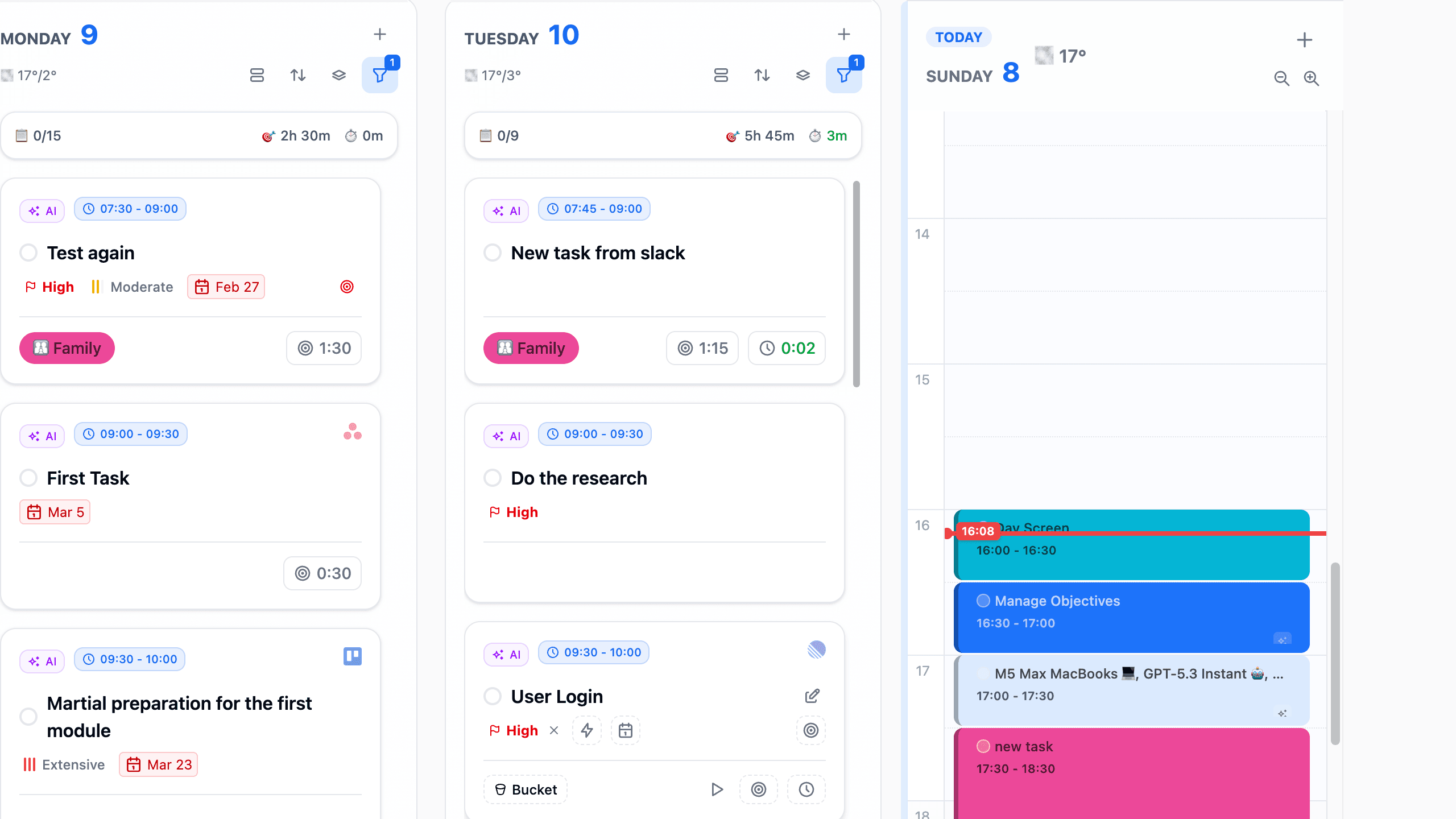
Enriched cards wear a small AI badge, so you always know which values were inferred rather than typed.
Where it kicks in
- Tasks you dash off in Spotlight with just a title.
- Tasks synced in from integrations — GitHub issues, Todoist inbox items, emails-turned-tasks.
- Tasks created by Captain Fokus or ODA.
You stay the editor
Everything TEA writes is a suggestion in place — open the task and change anything; your edits always win, and TEA won't fight you for a field you've set yourself. If you'd rather it not run at all, toggle it off in Settings → AI Agents.
Why it matters
The auto-scheduler is only as good as the metadata it plans with. TEA is what lets you capture sloppy and still schedule smart.
How is this guide?