Objective Decomposition Agent (ODA)
Break objectives into reviewable AI-generated tasks from the Objectives view.
Overview
ODA is Fokus's objective breakdown assistant. It helps you turn a larger objective into concrete, reviewable tasks without leaving the Objectives workflow.
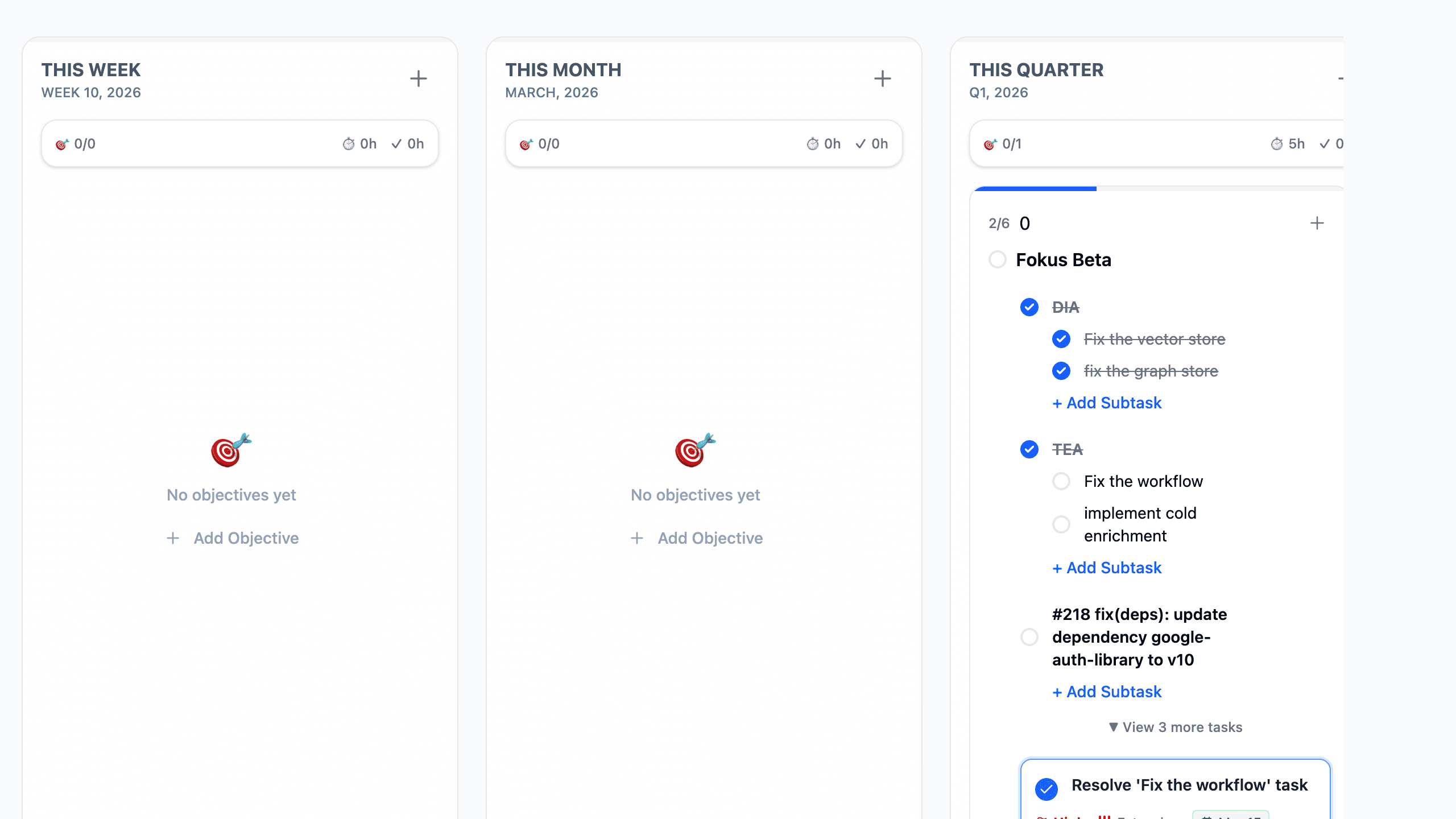
In the current interface, you trigger ODA from the Generate tasks with AI sparkle button on an objective card. Fokus then opens an inline proposal panel directly inside that card. Each proposal can include a suggested title, priority, energy level, date, description, and estimated duration. In the reviewed flow shown above, nothing is created immediately. You can inspect the proposals, deselect anything you do not want, and then create only the selected tasks.
Best results come from clear objectives
ODA works best when the objective title already describes a real outcome. The better the objective is defined, the more useful the generated task breakdown usually becomes.
How to Access It
- Open
Objectivesfrom the bottom navigation. - Find an existing objective card in the weekly, monthly, quarterly, or yearly sections.
- Click
Generate tasks with AIon that objective. - Review the generated proposals and click
Create Nwhen you want to keep them.
What You Can Do With ODA
- Turn a high-level objective into a first draft of actionable work.
- Review AI suggestions before they become real tasks.
- Keep all generated proposals or uncheck the ones that do not fit.
- Read the details ODA suggests for each task, including urgency and effort signals.
- Cancel the ODA session if you decide to continue planning manually.
- Create the selected tasks and continue refining them like any other Fokus tasks.
Common Workflow
Start from an objective that needs clarification
Use ODA when the goal is clear but the concrete next steps are still vague or incomplete.
Generate a proposed breakdown
Click Generate tasks with AI on the objective card and wait for Fokus to build the proposal list.
Review the suggested tasks
Read through the proposed titles, descriptions, dates, and effort hints. Deselect anything that is off-target or redundant.
Create only what you want to keep
Use Create N to add the selected proposals into your objective workflow as normal tasks.
Refine and schedule the result
After creation, edit the generated tasks as needed and continue managing them from Objectives or the Planner views.
ODA Settings Surface
Fokus also includes a dedicated ODA section in Settings > AI Agents. In the current settings surface, the app exposes account-level ODA controls labeled:
Enable ODADefault Max TasksAuto-Create Tasks
This settings area sits alongside Captain Fokus, proactive summaries, and AI privacy controls. The actual reviewed task-generation experience still happens inside Objectives, where you can see the breakdown before committing it.
Important Behaviors
- ODA is attached to objective cards rather than being a separate standalone page.
- The reviewed generation flow selects all proposals by default, so you can create everything at once or trim the list first.
- Proposed tasks appear inline under the objective, which makes it easy to compare the AI output against the goal you are trying to achieve.
- ODA is most useful when an objective is real but under-planned, not when the objective itself is still undefined.
- Once created, the generated items behave like normal tasks and can be edited, completed, scheduled, or expanded with subtasks.
Related Features
How is this guide?