Workspace & Members
Your workspace, its plan, and the people in it.
Everything you do in Fokus happens inside a workspace — tasks, buckets, notes, and integrations are all scoped to it. The Members page shows yours and manages who else is aboard.
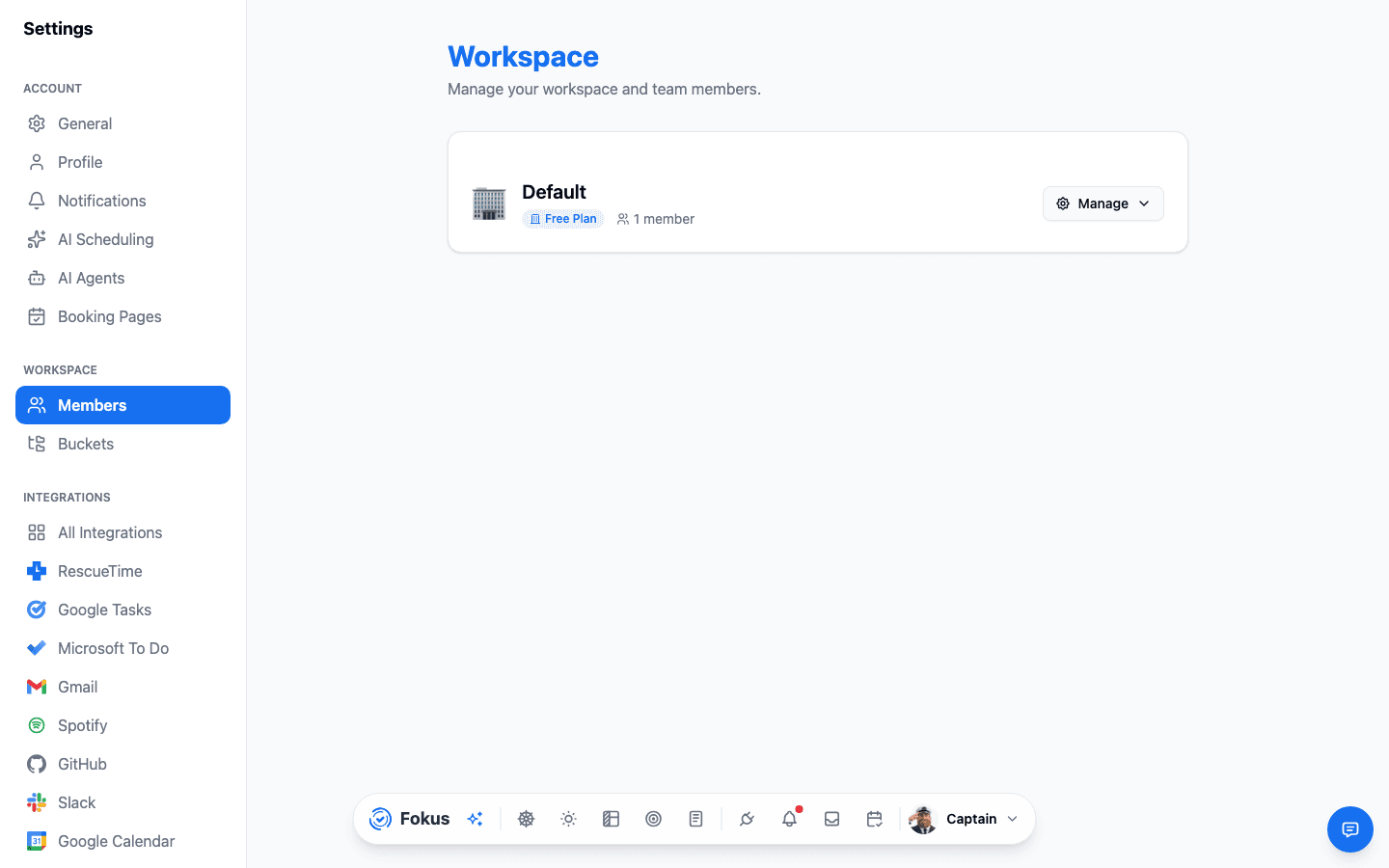
What's here
- The workspace card — name, icon, plan badge, and member count, with a Manage menu for renaming and workspace-level actions.
- Members & invitations — invite people by email; pending invitations wait here until accepted.
- Roles — members can be owner, admin, member, or viewer, which controls who can change workspace-level things versus just working in it.
Sharing a workspace
Everyone in a workspace shares its buckets and can collaborate on its work, while personal preferences (theme, notifications, working hours) stay individual. Invitations arrive by email — new folks land in the same onboarding you got.
Solo is a fine way to sail
A personal workspace with one member is the default and perfectly complete — nothing in Fokus requires a crew.
How is this guide?