General
Theme, language, timezone, time format — the everyday feel of your workspace.
The General page is the first stop in Settings — everything here shapes how Fokus looks and behaves day to day.
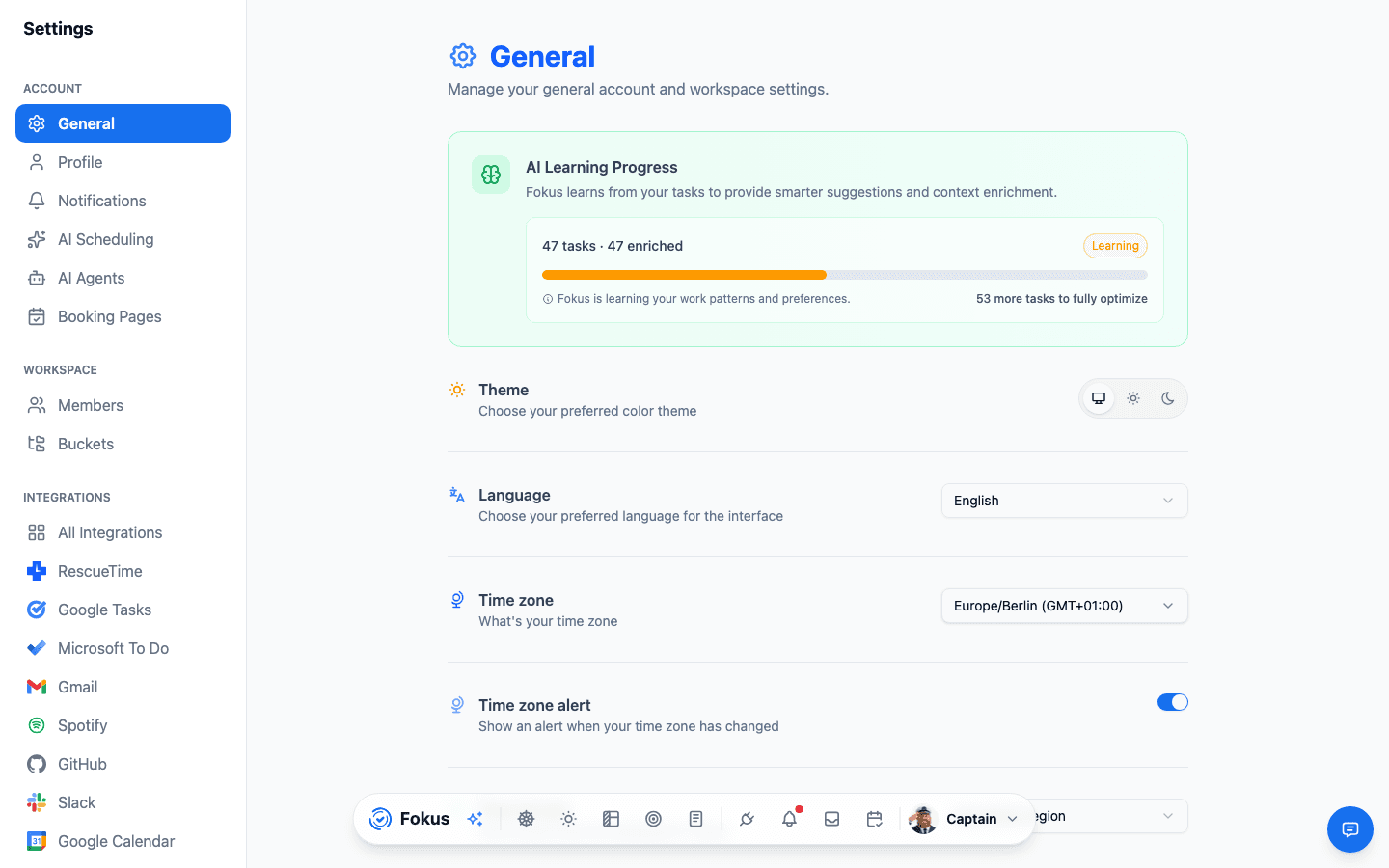
What's here
- AI Learning Progress — the card at the top shows how far Fokus has gotten in learning your patterns (it improves suggestions and enrichment as you complete more tasks). No action needed — it's a fun progress bar to watch.
- Theme — Light, Dark, or System.
- Language — English, Deutsch, Français, or العربية.
- Time zone — where your schedule lives. The time zone alert warns you when Fokus notices you've traveled, so your plan doesn't silently shift.
- Secondary time zone — show a second zone next to your own in the Calendar's time column. It's display-only (it never changes scheduling), with an option to show the secondary time on the current-time line too.
- Time format & start of week — 12/24-hour clock and Monday-vs-Sunday weeks.
- Day View extras — weather on/off and the ambient background theme for Day View.
- Celebration — the confetti and completion sound when you finish a task. (Keep the confetti. You've earned it.)
- Navigation style — classic dock or the AI command bar, plus auto-hide behavior.
Desktop only
When you're in the Fokus desktop app, this page grows a Quick Capture shortcut setting — a global hotkey that captures from anywhere on your computer.
How is this guide?