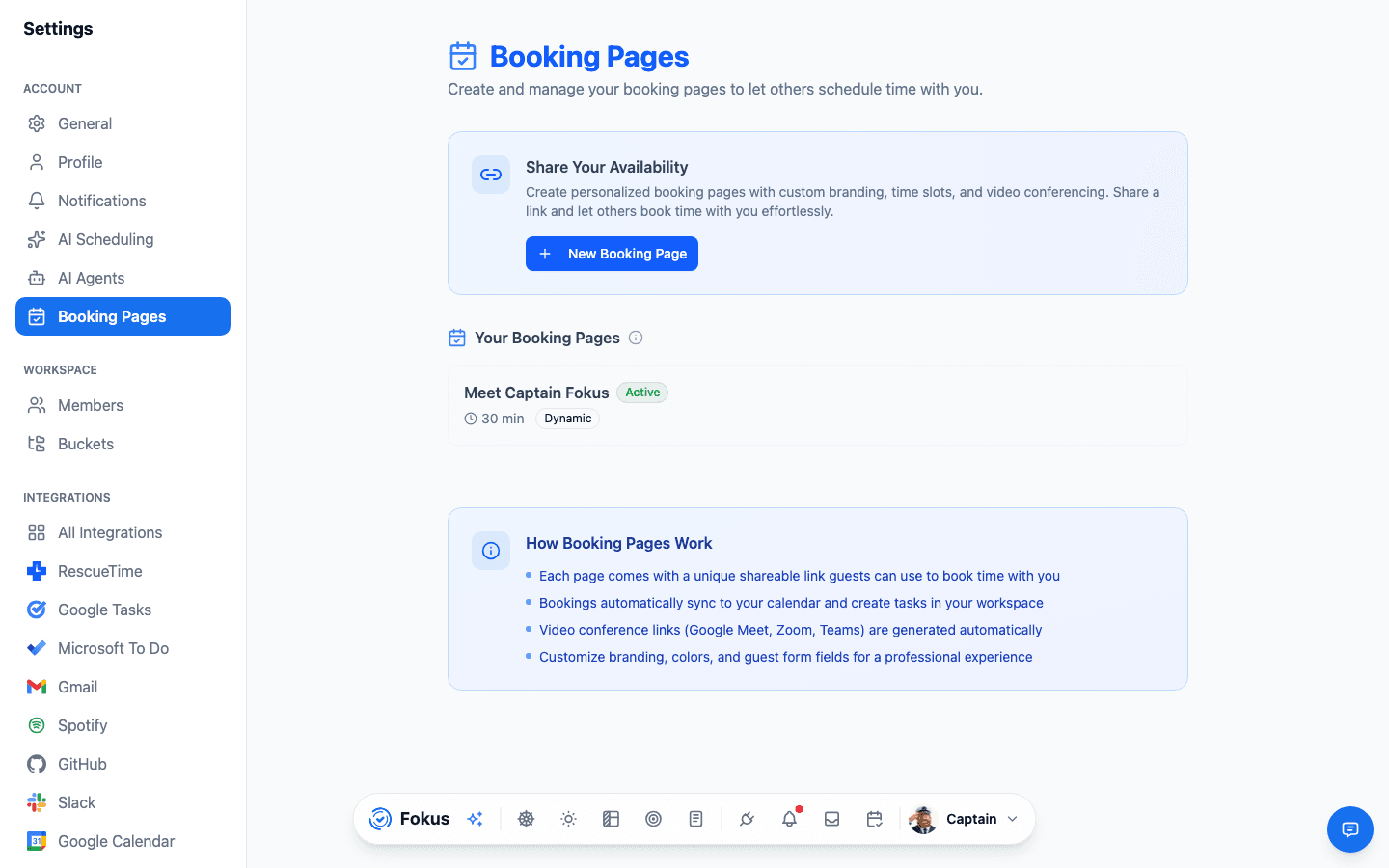
Booking Pages
Publish shareable booking links, manage booking types, and control how guests can schedule time with you.
Overview
The Booking Pages settings page is the public scheduling surface inside Fokus. It lets you create bookable pages, manage their public URLs, and decide how guests choose available times.
What You Can Manage
- Create new booking pages.
- Edit existing booking pages.
- Delete booking pages.
- Activate or deactivate a page.
- Copy the public booking URL.
- Open the public page to preview the guest experience.
- Generate and download a QR code for sharing.
- Choose between dynamic booking and predefined slots.
- Review page duration, description, and current status from the list view.
What To Expect
- Public links use your booking username together with the page slug.
- Dynamic pages generate availability from your scheduling rules, while predefined pages use fixed slots.
- QR codes are generated in the client and can be downloaded in common shareable formats.
Related Guides
Calendar
Review the calendar surface that booking and event availability ultimately feeds into.
Notifications
Configure the alert and digest behavior that complements guest scheduling workflows.
Google Calendar
Connect a calendar service so your availability and booked time reflect real schedule context.
How is this guide?