Profile
Your name, avatar, email, and password — the account behind the workspace.
Profile is the who-you-are page:
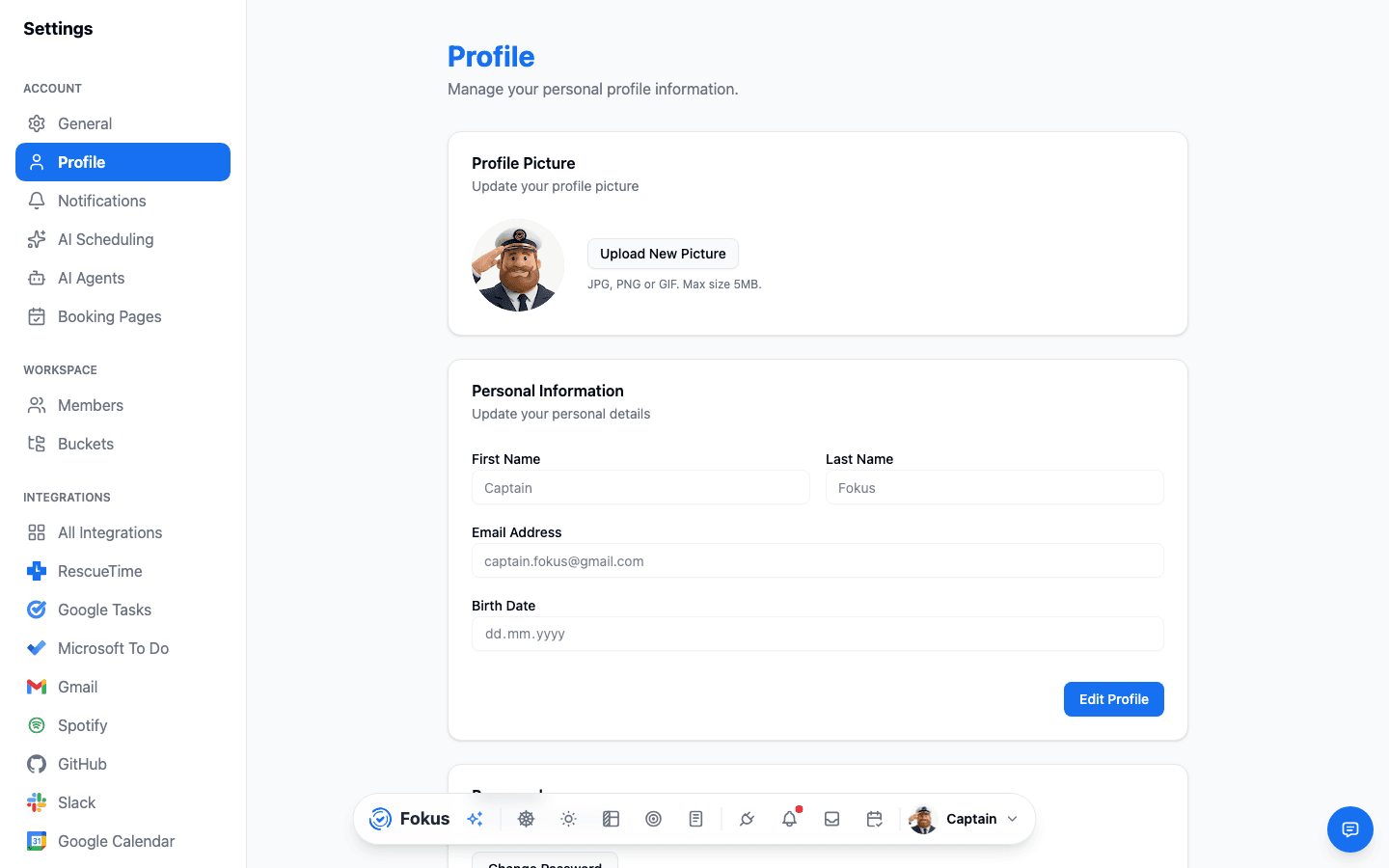
- Avatar and name — how you appear across Fokus (and in the dock's profile button).
- Email — your sign-in address, with a Verified badge once you've confirmed it. Verifying unlocks email-based features like the weekly report.
- Password — change it here; you'll need your current one.
- Connected sign-ins — if you signed up with Google, Microsoft, or Apple, that connection shows here.
Timezone and language moved
Locale things live on the General page — Profile is strictly identity and account.
On mobile
Tap Edit profile under your name in Account settings. The mobile screen covers your avatar, your name, and changing your password — the pieces you're most likely to need from a phone. Changing your email and reviewing connected sign-ins are still web-only.
Delete account also lives on this screen, at the bottom, rather than next to Sign out on the settings list.
How is this guide?