Buckets
Create, nest, color, and calendar-map the categories your tasks live in.
Buckets are the folders of your working life — 💼 Work, 🏠 Personal, and whatever else deserves its own shelf. This page manages the structure itself; the Buckets view is where you see tasks inside it.
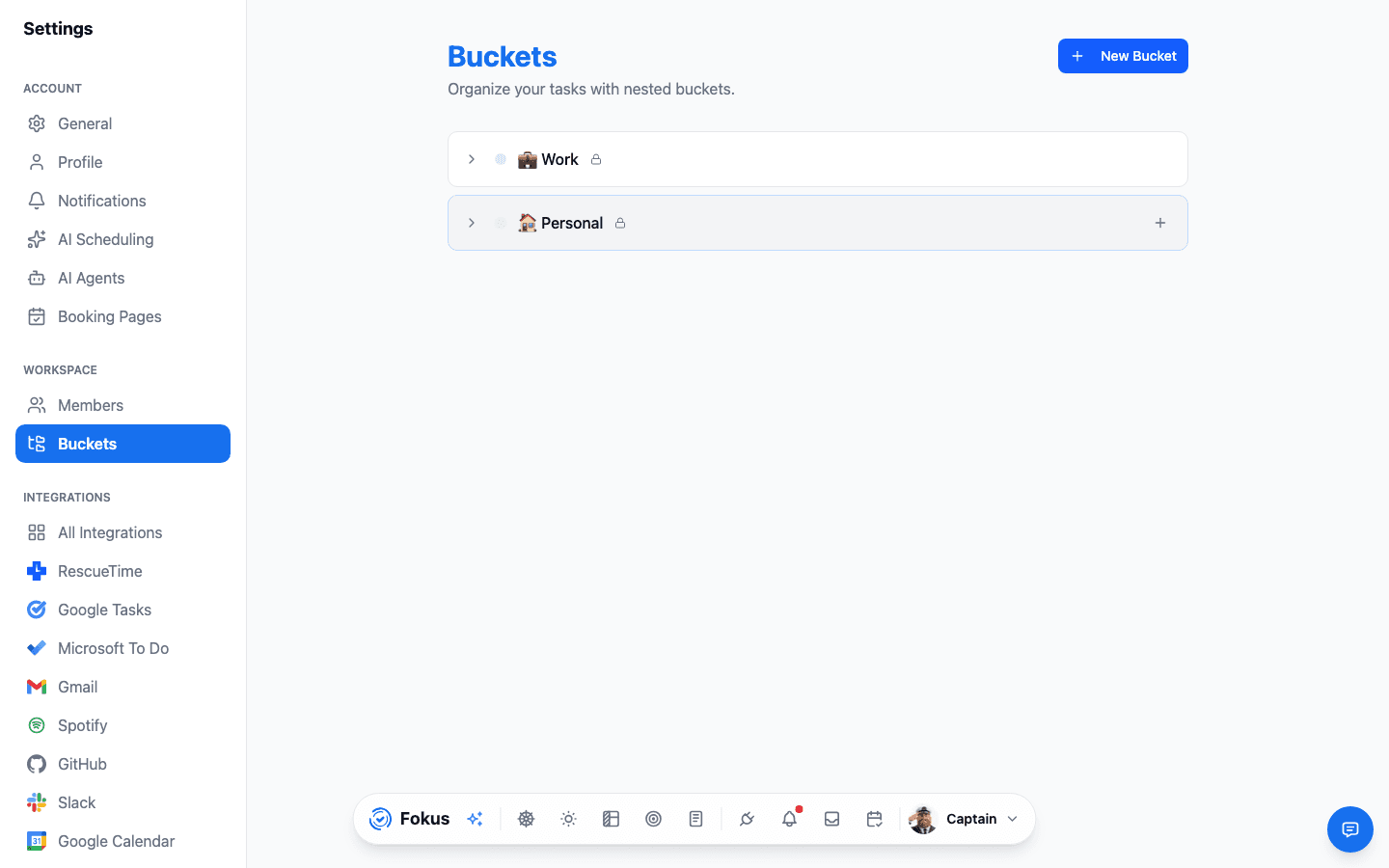
What you can do
- Create and rename — an emoji + a short name works beautifully (the emoji becomes the bucket's badge on task cards).
- Color — each bucket's color follows its tasks everywhere: cards, calendar blocks, analytics donuts.
- Nest — buckets can hold sub-buckets ("💼 Work → 🌐 Website, 📱 Mobile App") when one area outgrows a single shelf.
- Map to a calendar — give each bucket a default calendar, and scheduled tasks write to the right one automatically (work tasks → work calendar).
- Set the scheduling type — a top-level bucket is Work or Personal, and that is what decides whether its tasks are scheduled into your working hours or into your own time. Sub-buckets aren't asked: they inherit their root's answer, and the create dialog tells you which one they'll get.
A structure that works
Start with the Work/Personal pair from onboarding and add buckets only when a real cluster of tasks demands one. Five to nine buckets is the sweet spot — enough to see Category Balance mean something, few enough that filing stays instant.
Leave nothing on Automatic
A top-level bucket set to Automatic is classified by its name — which works for "💼 Work" and stops working the moment you call one "Client Acme". An unclassified bucket is invisible to the work/personal split, so its tasks quietly count as work: the daily plan will tell you to move your own time into working hours. Pick Work or Personal explicitly for anything whose name doesn't say it.
TEA files for you
With auto-bucket assignment on (Settings → AI Agents), the Task Enrichment Agent sorts new tasks into buckets by itself — your structure keeps working even when you capture carelessly.
How is this guide?