Planner
Kanban, Buckets, Calendar, and Analytics — four views, one plan.
The planner is less a place and more a family of four views that share the same data and the same header. Whatever you change in one is instantly true in the others — they're just different lenses on your plan.
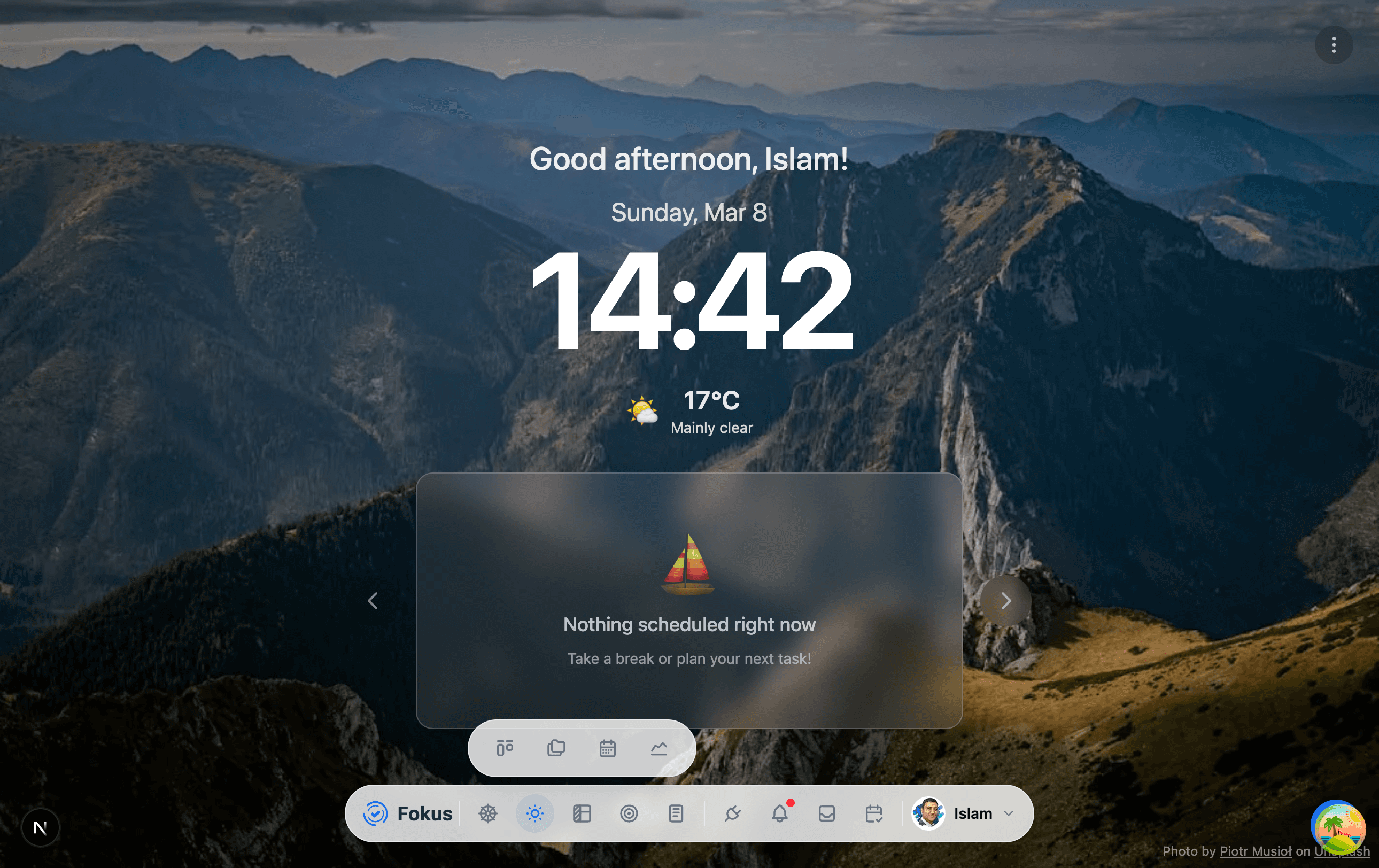
Switching views
Every planner page has a four-icon pill in its header (hover near the top of the screen if it's tucked away):
- Kanban — days as columns, tasks as cards. Your weekly workbench.
- Buckets — the same tasks grouped by project or life area instead of by date.
- Calendar — tasks and events on a time grid, with drag-and-drop scheduling.
- Analytics — completion trends, time accuracy, and category balance.
You can also jump straight from the dock (hover the board icon) or with keyboard shortcuts: Alt+K Kanban, Alt+B Buckets, Alt+C Calendar, Alt+A Analytics.
What lives in the header
Besides the view switcher, the planner header holds:
- Date navigation — arrows and a range label (e.g. "JUL 10 – JUL 12"), plus a today button.
- Filters — narrow every column down by priority, energy level, or bucket.
- AI Quick Actions — the sparkles button: Smart Scheduling with Optimize Schedule, plus the Morning Briefing and End-of-Day Review. See Smart Scheduling.
A typical planning loop
Review your week in Kanban → drop anything undated in from the Reservoir → hit Optimize Schedule → fine-tune times in Calendar → check Analytics at the end of the week to see how it went.
How is this guide?